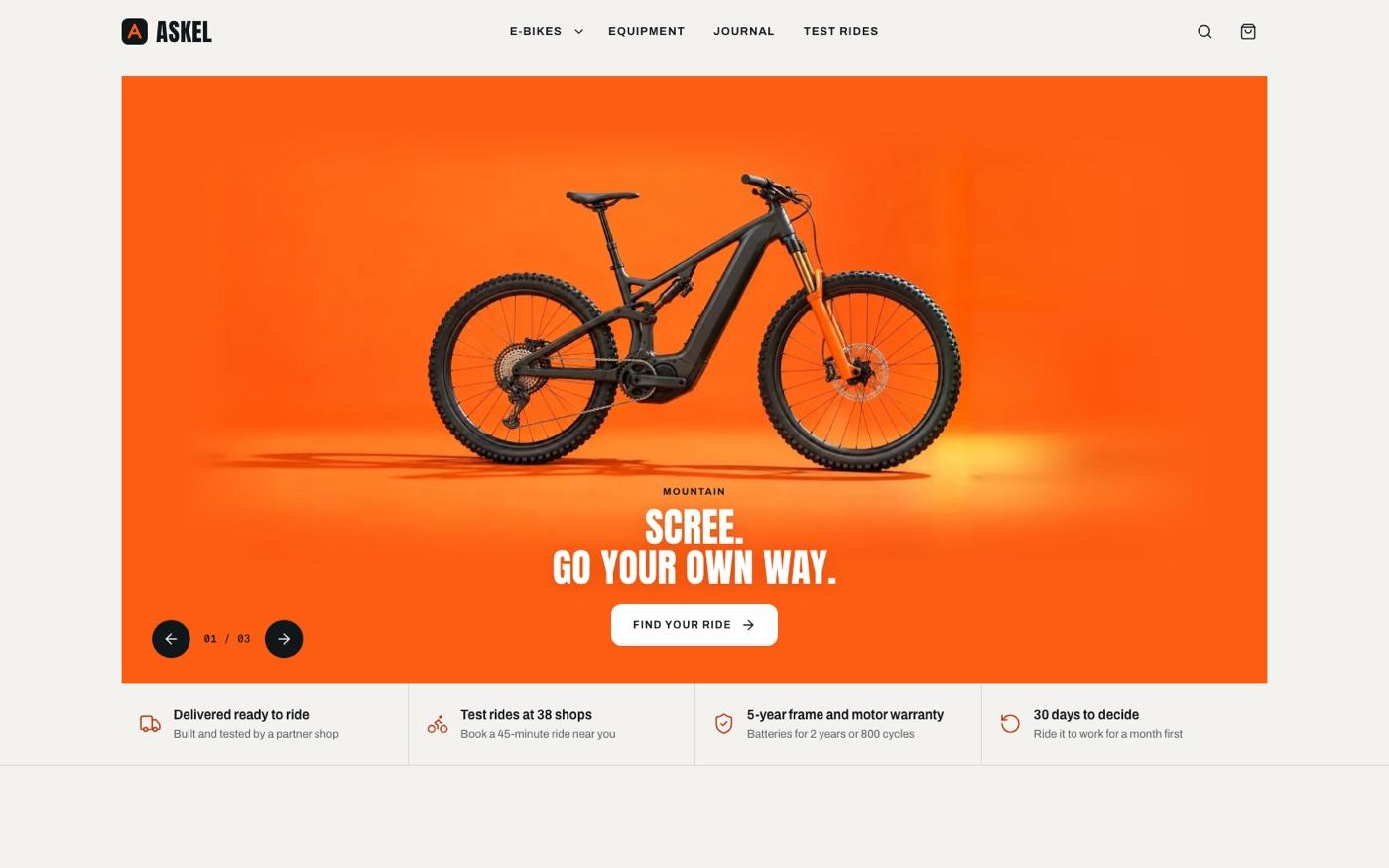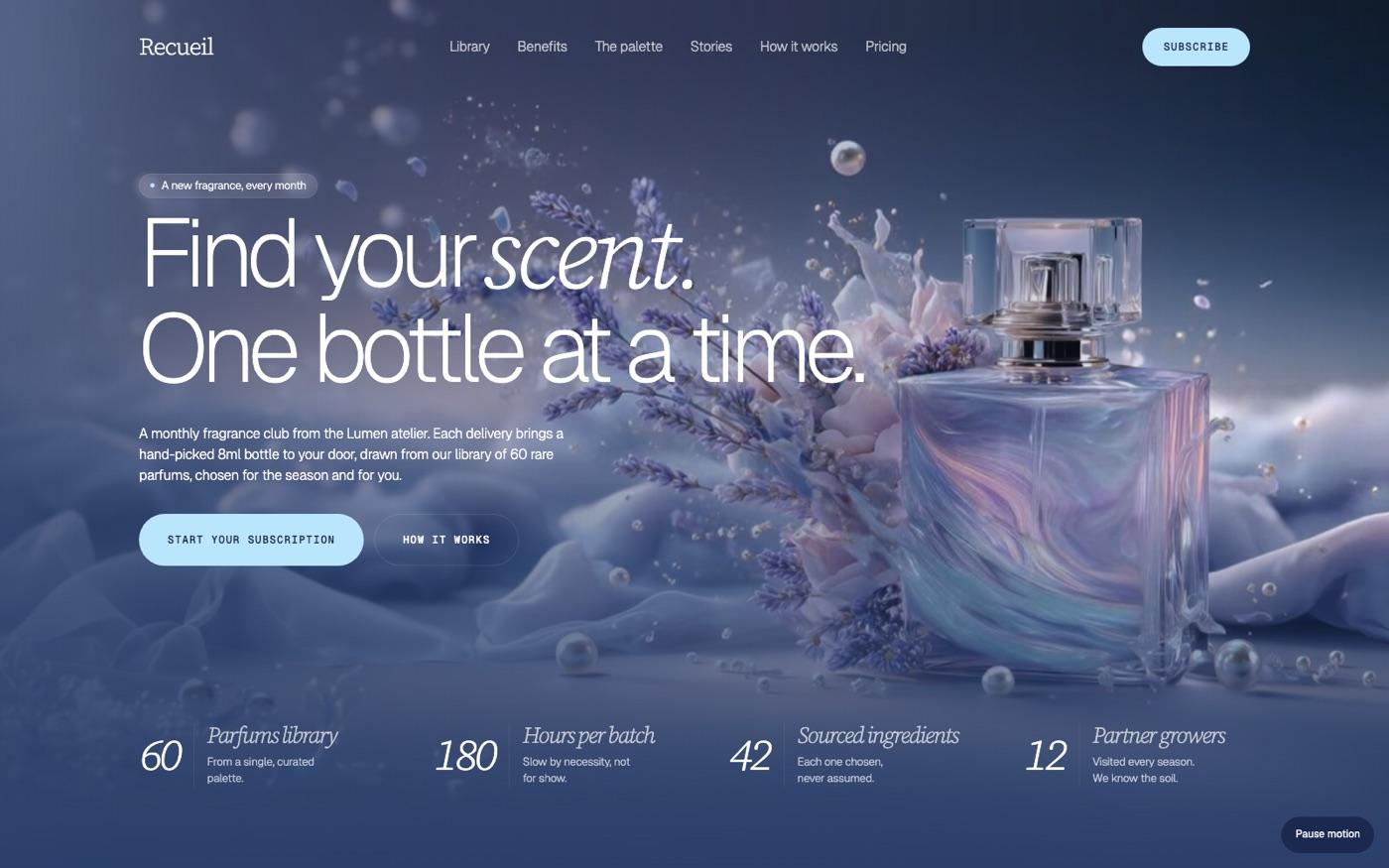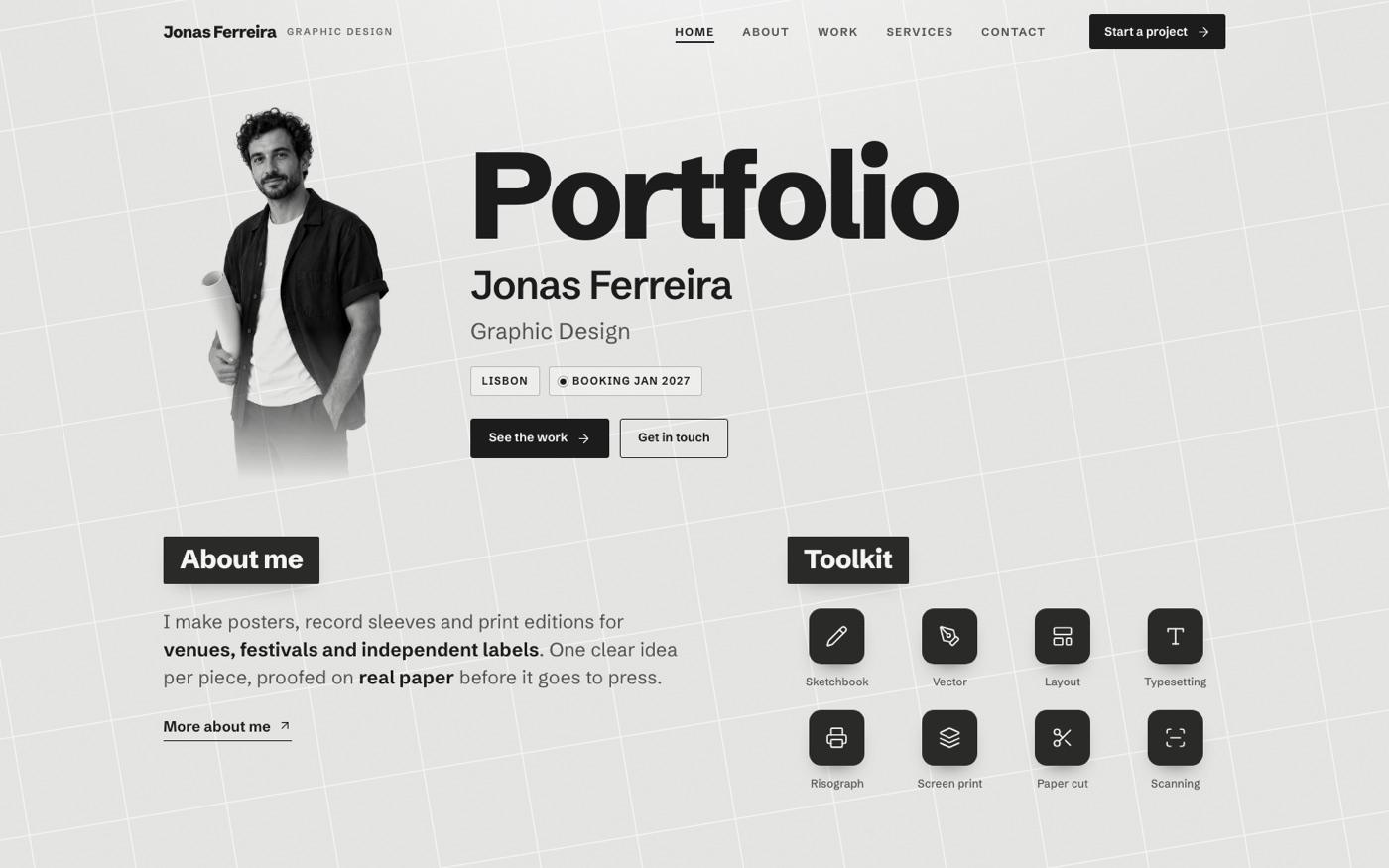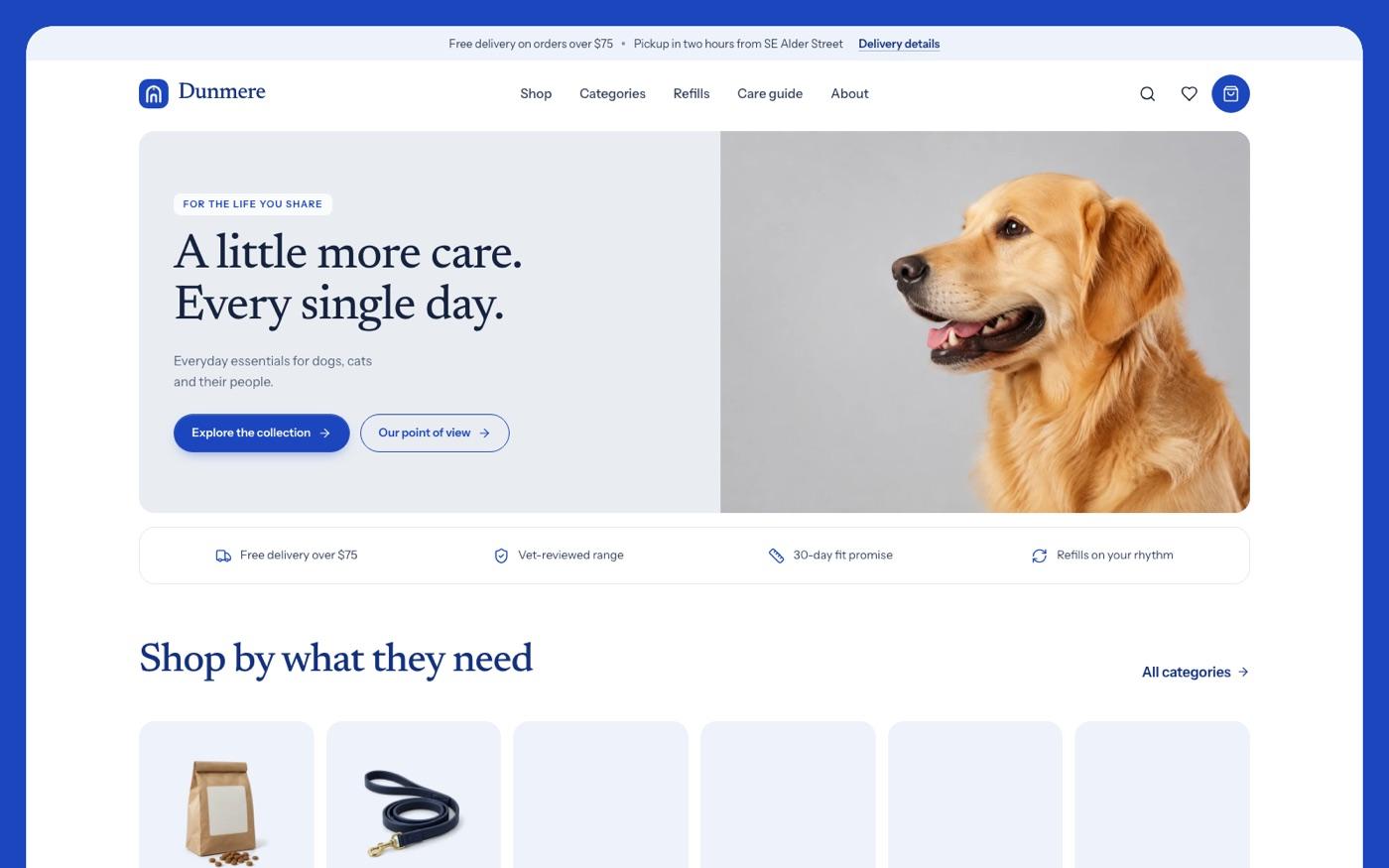
How it works
The real steps pulled from the SKILL.md — the agent runs them in this order.
- 01
Establish content and output location
Read the target repository and its instructions first. Identify the brand, audience, products (cards, gifts, plans), occasions and the pages required, then map them onto the template with **Adapting to a real brief** below. Ask only for information that blocks progress. For a rea
- 02
Choose the deliverable
No existing project and no stack named: build **one self-contained HTML file** from the template, like the store demo. This is the default; do not ask a stack question. The buyer has a framework project or asks for one: inspect it first, never silently migrate an application, and
- 03
Lock the visual system
Read `references/style-guide.md` and `references/visual-contract.md`, then open `references/template.html`. Copy the tokens block as-is before changing copy. Fonts: Bricolage Grotesque (variable; display and UI), Figtree (variable; body) and Caveat (variable; handwritten card mes
- 04
Plan the page family
Read `references/page-library.md`, `references/route-inventory.md` and `references/interior-pages.md`. Inventory every nav item, card, CTA and footer link and give each a real destination (route or section). Collections (gift cards, occasions, plans, help articles, roles) live in
- 05
Plan and produce the images
Read `references/image-plan.md`. Before generating anything, list every image slot by role (gift-card artwork, greeting-card artwork, lifestyle, people, detail, team) with aspect, crop focus and the text it sits next to. Write one art direction sentence for the whole site and app
- 06
Build components and interactions
Use shared components for header, mobile sheet, buttons, chips, segmented controls, fields, accordion, gift card object, greeting card face, phone frame, sticker, drawer and toast. Implement the full cycle for each control (default, hover, active press, focus-visible, selected, d
What's in the package
32 files · 1.5 MBSKILL.mddoc · 16 KBreferences/framework-adaptation.mddoc · 7 KBreferences/icon-library.mddoc · 2 KBreferences/image-plan.mddoc · 12 KBreferences/images/card-birthday.webpmedia · 37 KBreferences/images/card-home.webpmedia · 54 KBreferences/images/card-thanks.webpmedia · 41 KBreferences/images/gc-arcade.webpmedia · 31 KBreferences/images/gc-bakery.webpmedia · 88 KBreferences/images/gc-books.webpmedia · 47 KBreferences/images/gc-cinema.webpmedia · 47 KBreferences/images/gc-coffee.webpmedia · 46 KBreferences/images/gc-florist.webpmedia · 52 KBreferences/images/gc-plants.webpmedia · 54 KBreferences/images/gc-ramen.webpmedia · 64 KBreferences/images/photo-cards.webpmedia · 131 KBreferences/images/photo-envelope.webpmedia · 54 KBreferences/images/photo-group.webpmedia · 106 KBreferences/images/photo-open.webpmedia · 97 KBreferences/images/photo-team.webpmedia · 159 KBreferences/images/photo-wrap.webpmedia · 89 KBreferences/interior-pages.mddoc · 3 KBreferences/motion-system.mddoc · 4 KBreferences/page-library.mddoc · 3 KBreferences/quality-checklist.mddoc · 5 KBreferences/reui-components.mddoc · 2 KBreferences/route-inventory.mddoc · 2 KBreferences/style-guide.mddoc · 9 KBreferences/template.htmlweb · 241 KBreferences/visual-contract.mddoc · 4 KBscripts/inline-assets.mjscode · 5 KBscripts/validate-sticker.mjscode · 20 KB
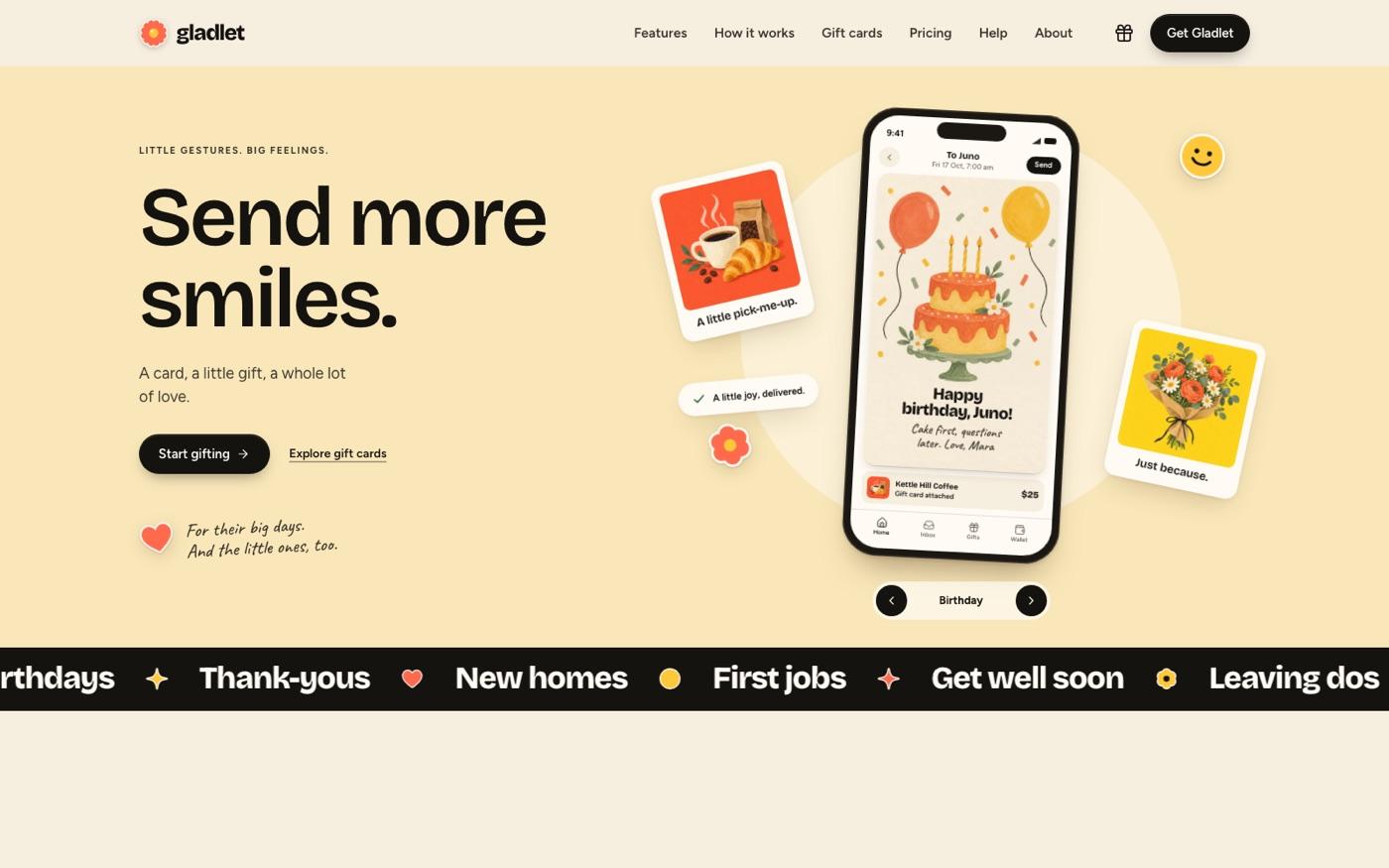
Sticker Gifting App Landing
A gifting app landing page on warm cream with coral-and-yellow stickers and very large black headlines.
- Files
- 32
- Scripts
- 2
- Source
- 1.5 MB
Where to put it
mkdir -p ~/.agents/skills
unzip bs-sticker-gifting-app-landing.zip -d ~/.agents/skills/What it needs
- · 运行环境:node · npx
Original English briefFrom the SKILL.md
Build a complete multi-page website with warm cream, oversized black type, coral and yellow stickers, playful gift-card artwork and bold product bands. Includes connected content pages and interactive controls, with a reusable visual system for new brands and content.
Keep going