How it works
The real steps pulled from the SKILL.md — the agent runs them in this order.
- 01
Gather the content story
Ask for, or draft in the confident first-person voice of the style:
- 02
Choose the deliverable
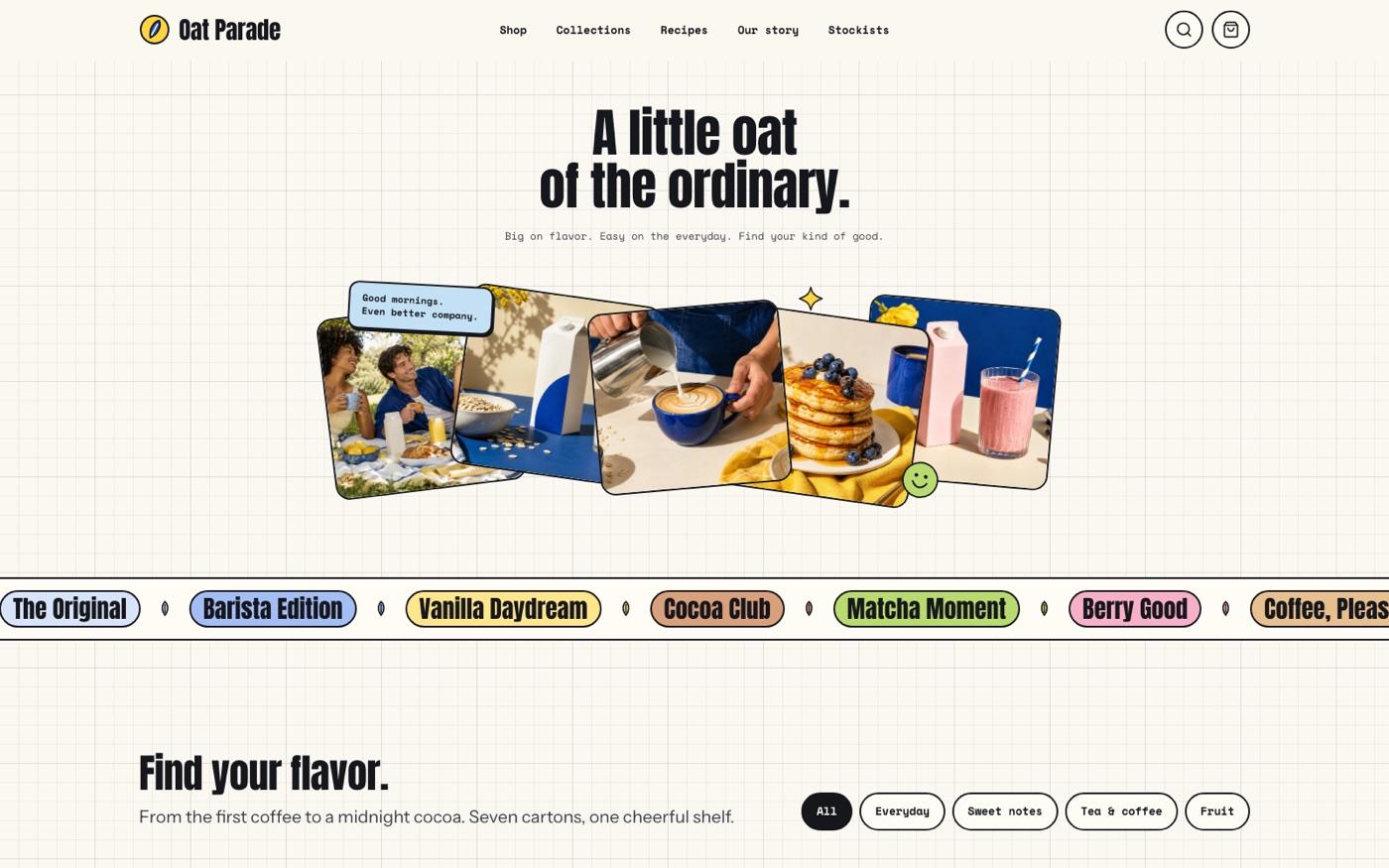
No existing project: build **one self-contained HTML file** from the template, like the store demo (hash router, fonts and images inlined). This is the default; do not ask a stack question. The user has a framework project or asks for one (Vue, React, Astro, Next.js, a starter…):
- 03
Interface components come from ReUI (React outputs)
The template renders its controls in plain HTML so it runs as one sandboxed file. When the output is a React or Next.js port, build the generic controls (buttons, inputs, selects, checkbox and radio chips, segmented toggles, tabs, accordions, the menu sheet, toasts) with [ReUI](h
- 04
Read the style guide
Read `references/style-guide.md` and `references/visual-contract.md`. Non-negotiables:
- 05
Plan pages and sections
Read `references/page-library.md`, `references/route-inventory.md` and `references/interior-pages.md`. The route set follows the buyer's information architecture; the worked example's Work, Services, About, Insights, Process and Contact are one mapping, not a requirement. Always
- 06
Plan the imagery
Read `references/image-plan.md`. Write one art-direction sentence and a slot table (id, role, aspect, crop focus, where used, prompt) before generating. Slots in this style:
What's in the package
31 files · 1.7 MBSKILL.mddoc · 20 KBreferences/framework-adaptation.mddoc · 7 KBreferences/icon-library.mddoc · 2 KBreferences/image-plan.mddoc · 9 KBreferences/images/firnook-market.webpmedia · 185 KBreferences/images/firnook-pouches.webpmedia · 93 KBreferences/images/insight-consistency.webpmedia · 50 KBreferences/images/insight-logo.webpmedia · 34 KBreferences/images/insight-personality.webpmedia · 39 KBreferences/images/insight-presscheck.webpmedia · 40 KBreferences/images/juno-bw.webpmedia · 25 KBreferences/images/juno-cutout.webpmedia · 130 KBreferences/images/marrowbay-hut.webpmedia · 118 KBreferences/images/marrowbay-tote.webpmedia · 46 KBreferences/images/process-hands.webpmedia · 153 KBreferences/images/studio-shed.webpmedia · 180 KBreferences/images/wickmoor-evening.webpmedia · 133 KBreferences/images/wickmoor-tins.webpmedia · 40 KBreferences/images/wigglewax-box.webpmedia · 38 KBreferences/images/wigglewax-table.webpmedia · 97 KBreferences/interior-pages.mddoc · 2 KBreferences/motion-system.mddoc · 4 KBreferences/page-library.mddoc · 4 KBreferences/quality-checklist.mddoc · 5 KBreferences/reui-components.mddoc · 2 KBreferences/route-inventory.mddoc · 3 KBreferences/style-guide.mddoc · 8 KBreferences/template.htmlweb · 222 KBreferences/visual-contract.mddoc · 4 KBscripts/inline-assets.mjscode · 5 KBscripts/validate-marker.mjscode · 20 KB
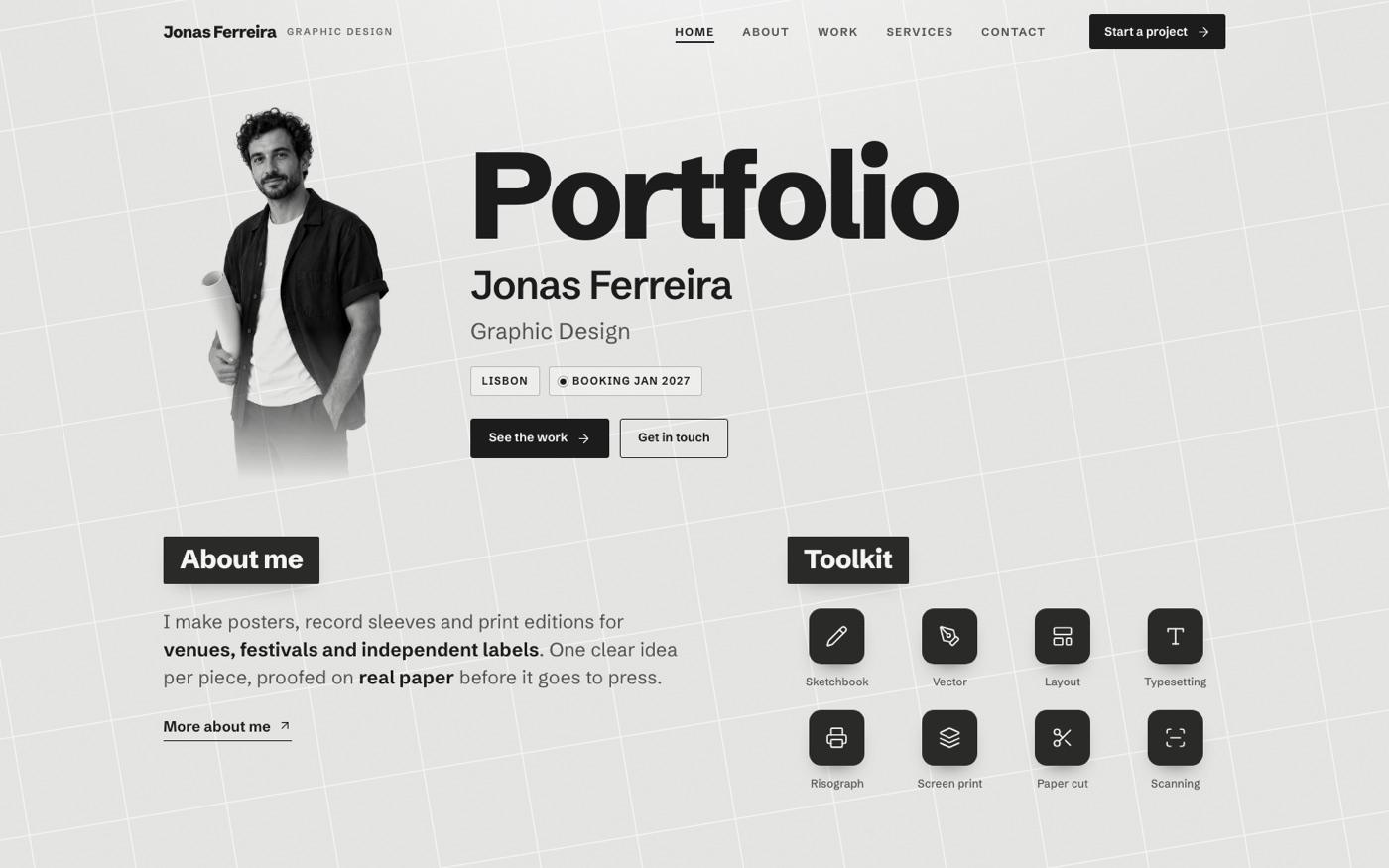
Marker Doodle Brand Studio
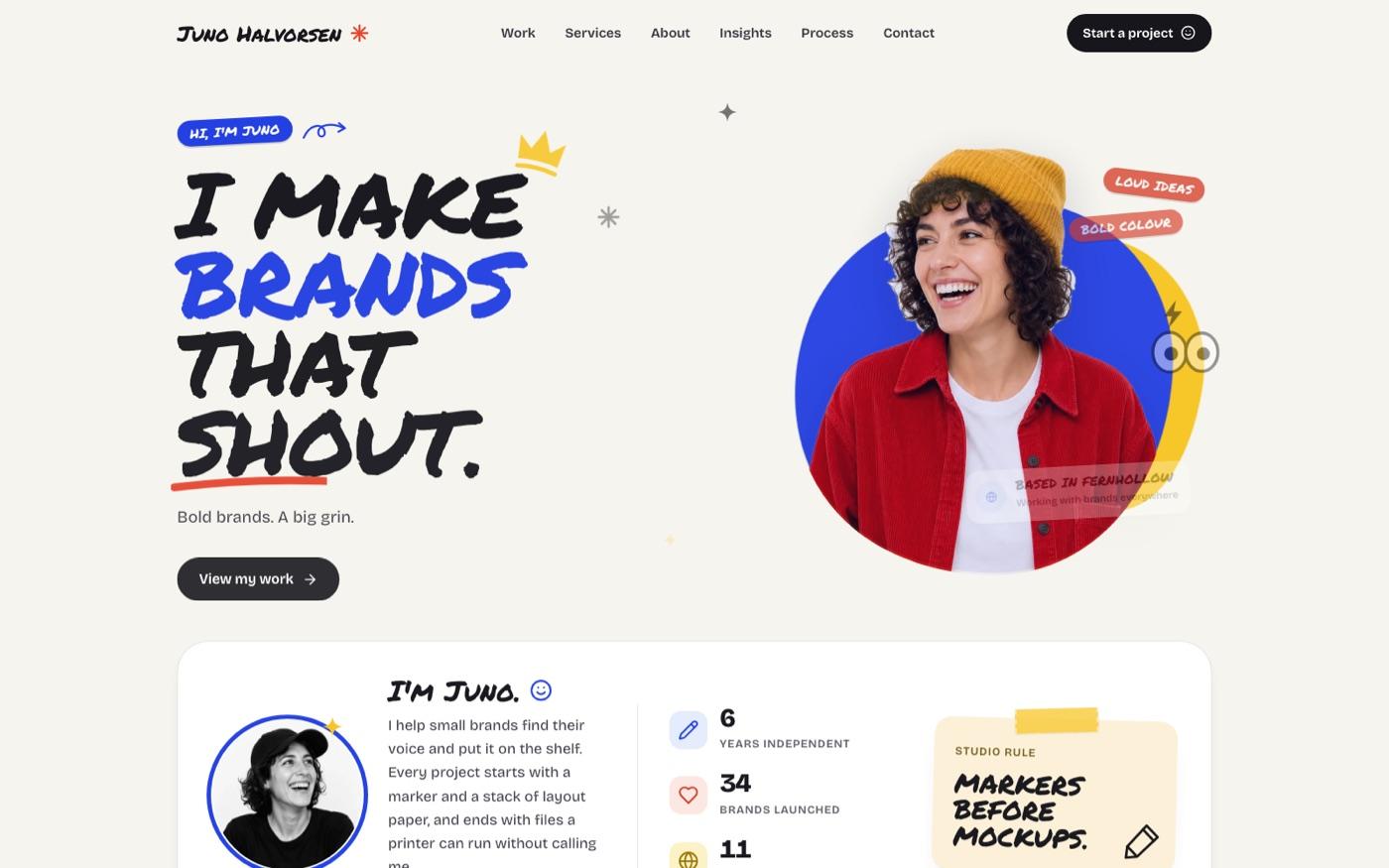
A brand studio site punctuated with cobalt, red and yellow marker strokes, hand-drawn service cards and original packaging art.
- Files
- 31
- Scripts
- 2
- Source
- 1.7 MB
Where to put it
mkdir -p ~/.agents/skills
unzip bs-marker-doodle-brand-studio.zip -d ~/.agents/skills/What it needs
- · 运行环境:npx · node
Original English briefFrom the SKILL.md
Build a complete multi-page website with cobalt, red and yellow marker accents, a blob portrait, colorful service cards and original packaging imagery. Includes connected content pages and interactive controls, with a reusable visual system for new brands and content.
Keep going